

Product Description
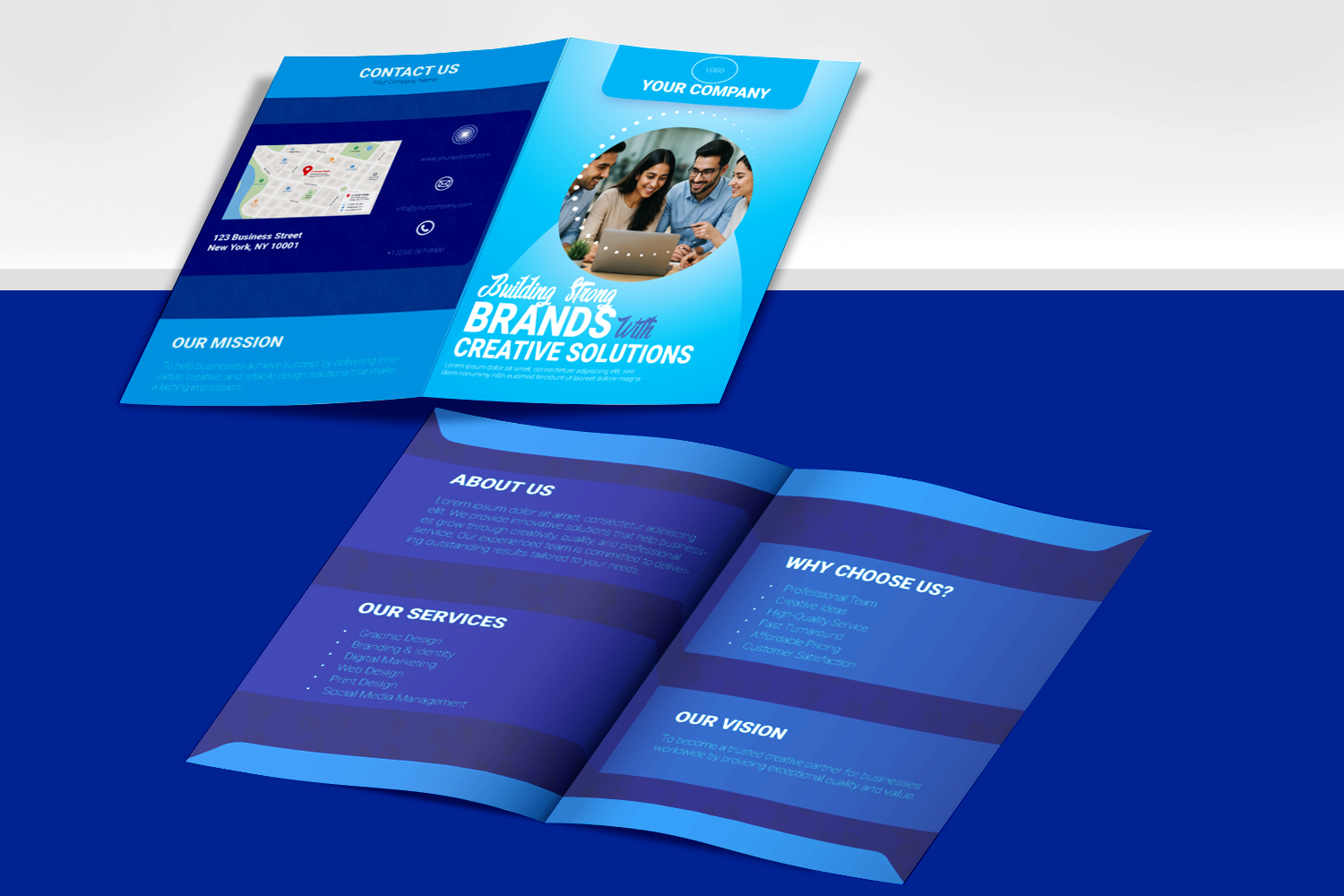
Showcase your creative work professionally with this Social Media Post PSD Mockup. Designed for graphic designers, marketers, agencies, and creative professionals, this editable Photoshop mockup makes it easy to present social media designs in a realistic and attractive way.
Whether you are creating Instagram posts, Facebook advertisements, restaurant promotions, product campaigns, or branding graphics, this mockup can help your designs look more professional.
5+ Reasons to Use This Social Media Post PSD Mockup
- Clean and professional presentation
- Easy-to-edit Photoshop PSD
- Smart Object included
- Suitable for Instagram and Facebook designs
- Great for portfolios and client presentations
- Useful for promotional and advertising graphics
- Beginner-friendly editing process
Social Media Post PSD Mockup Features
This Social Media Post PSD Mockup is created to make your design presentation simple and professional. Replace the sample artwork using the Photoshop Smart Object and showcase your own design within minutes.
The mockup is suitable for:
- Instagram post designs
- Facebook promotional graphics
- Restaurant food promotions
- Product advertisements
- Event promotions
- Branding presentations
- Graphic design portfolios
Why Choose This Free Social Media Post PSD Mockup?
A high-quality mockup can make an ordinary design presentation look much more professional. This Social Media Post PSD Mockup gives you an easy way to present your artwork realistically without creating a complete presentation scene from scratch.
How to Edit the PSD Mockup
- Open the PSD file in Adobe Photoshop.
- Locate the Smart Object layer.
- Double-click the Smart Object thumbnail.
- Place your own social media design.
- Save the Smart Object and return to the main PSD.
- Export your final presentation image.
Commercial Use
This mockup is suitable for presenting your own design projects, portfolios, client presentations, and commercial design work. Always check the license included with the downloaded file for the exact usage rights

Reviews
There are no reviews yet.